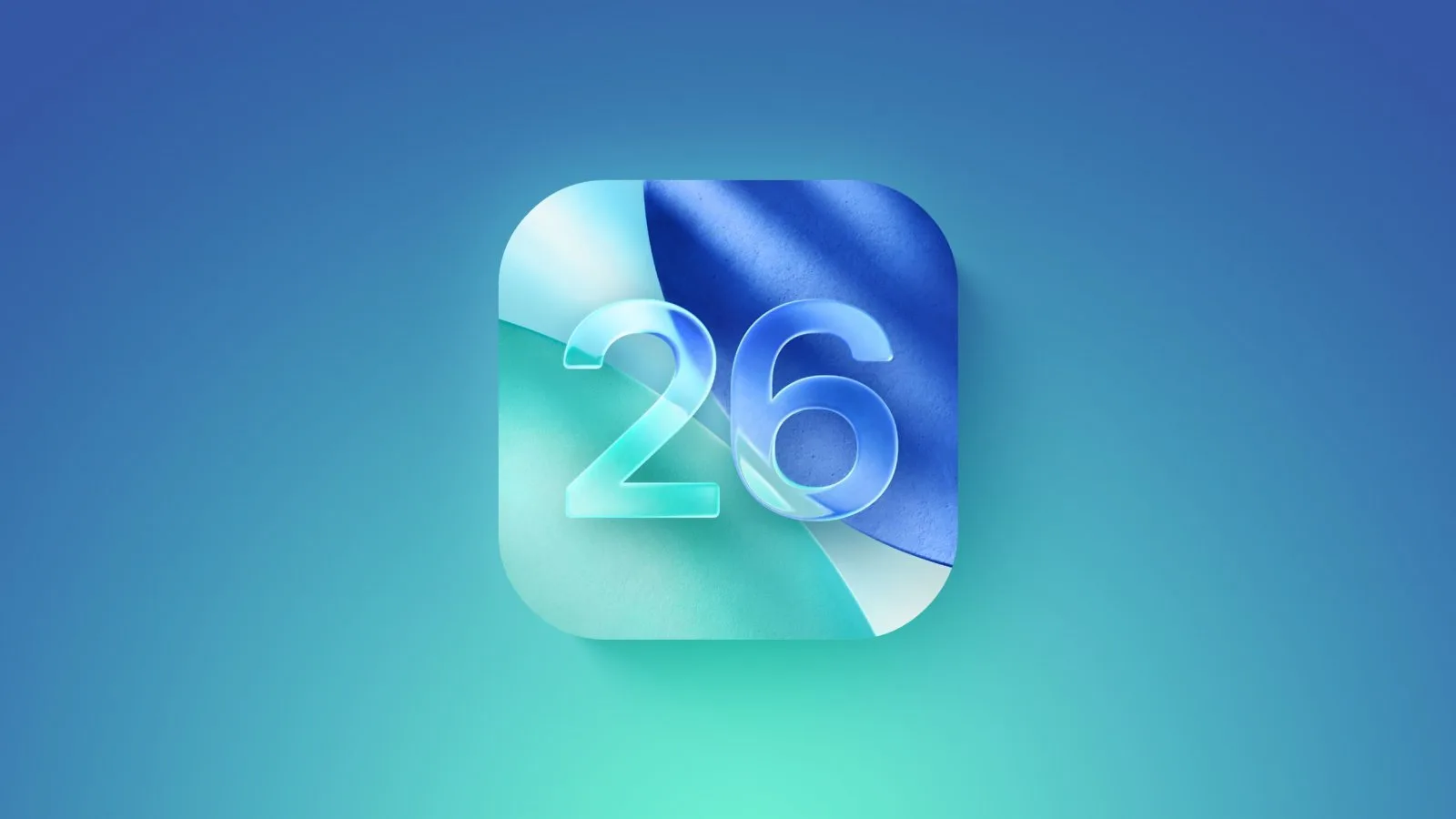
iOS 26: Apple’s Biggest iPhone Update Yet Arrives September 15
At the launch of the brand-new iPhone 17, Apple officially confirmed that iOS 26 will roll out to compatible iPhones starting September 15. A near-final “Release Candidate” (RC) version has already been available since yesterday for beta testers.
This isn’t just another update—it’s a radical redesign. With Liquid Design, Apple is reimagining the iPhone interface, focusing on transparency, dynamism, and a more immersive experience inspired by the Vision Pro. Here’s everything you need to know—from key features to installation tips.
🚀 What’s New in iOS 26?
Apple has decided to jump ahead with the name iOS 26 (instead of iOS 17) to clearly reflect the year of release. And the changes are massive:
- Liquid Design everywhere → A new unified look across iOS, macOS Tahoe 26, iPadOS 26, watchOS 26, and tvOS 26. Expect translucent layers, moving backgrounds, and content that feels alive.
- Apple Intelligence, evolved → Smarter AI tools for real-time translation, visual intelligence, transcription, and even image generation.
- Upgraded apps:
- Phone → Improved spam call filtering and number blocking.
- Wallet → Support for even more items and tracking features.
- Games → New options and deeper integration.
- AirPods → Remote camera control for photos and video.
In short: iOS 26 isn’t just about looks—it’s about intelligence, fluidity, and smarter daily tools.
📱 Which iPhones Will Get iOS 26?
If you have one of the following, you’re good to go:
- iPhone 11, 11 Pro, 11 Pro Max and newer
- iPhone SE (2nd generation)
- All models in the iPhone 12, 13, 14, 15, 16, and 16e series
⚡ How to Update to iOS 26
Updating remains simple—but a few precautions will make the process smoother:
- Back up your data → Use iCloud or another backup solution.
- Plug in your iPhone → Keep it charging during the update.
- Connect to Wi-Fi → Ensure it’s a secure and stable network.
- Check manually → Go to Settings > General > Software Update if you don’t see the notification.
Once ready, let your iPhone do the rest.